3D Modeling App: Sculpt & Draw
3D Modeling Apps
Downloads
10,000,000+
Version
Latest
Click to download now, finish the installation quickly, and directly unlock the all-round experience
Screenshots
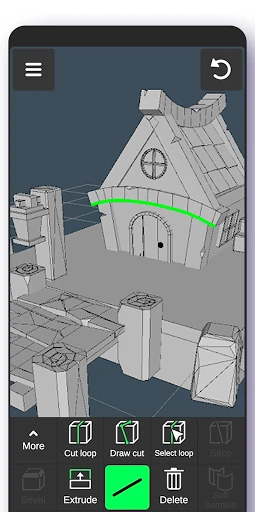
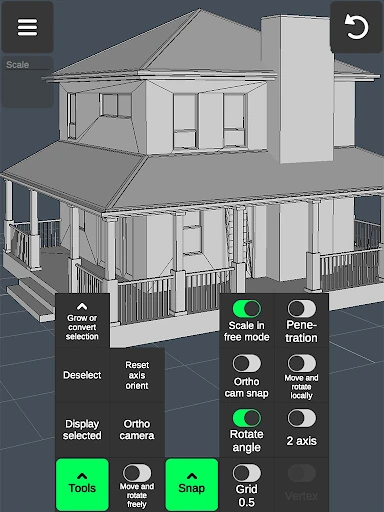
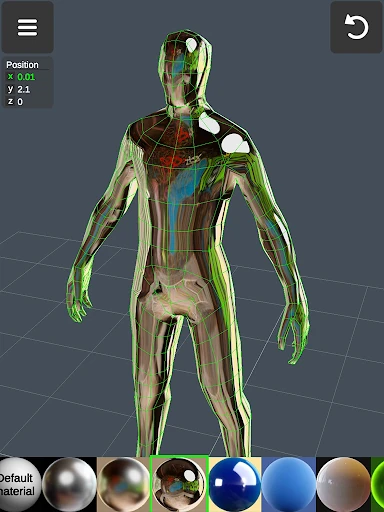
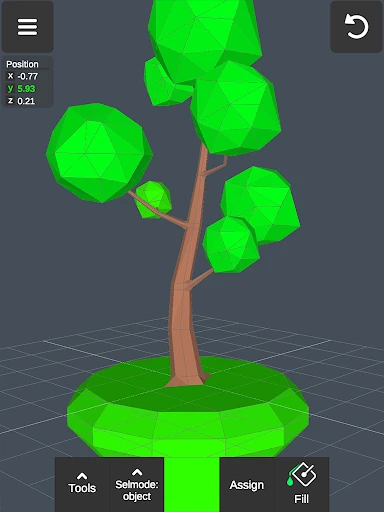
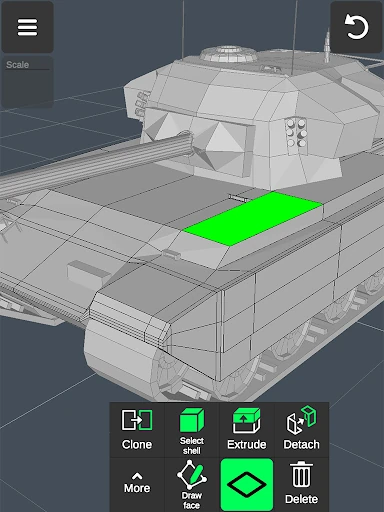
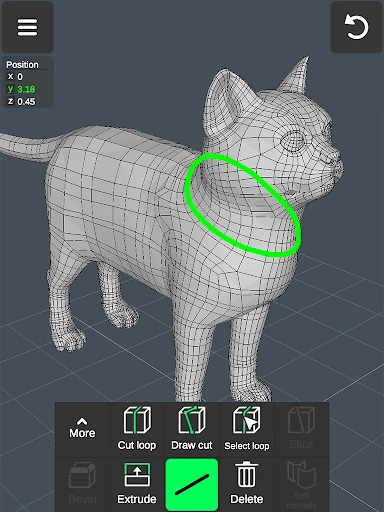
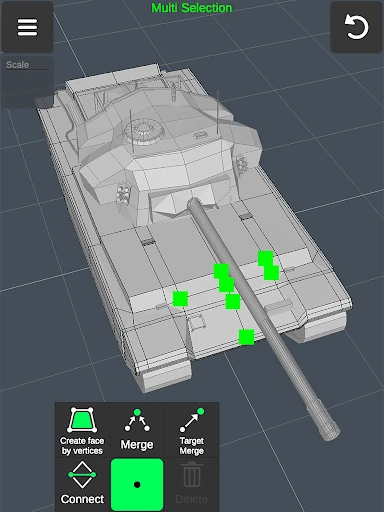
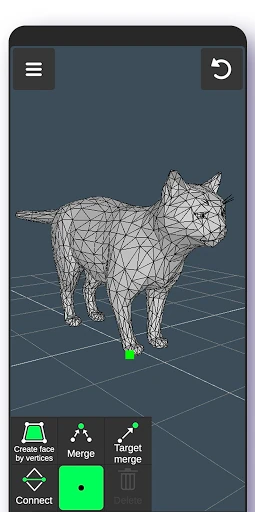
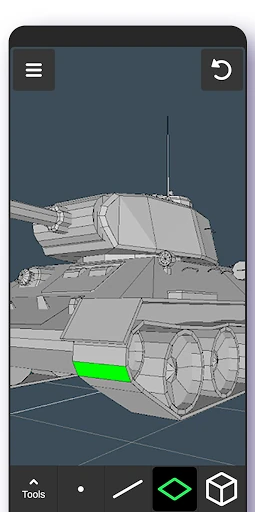
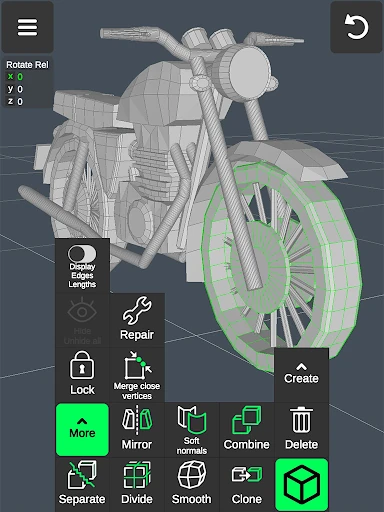
Click to download now, finish the installation quickly, and directly unlock the all-round experience
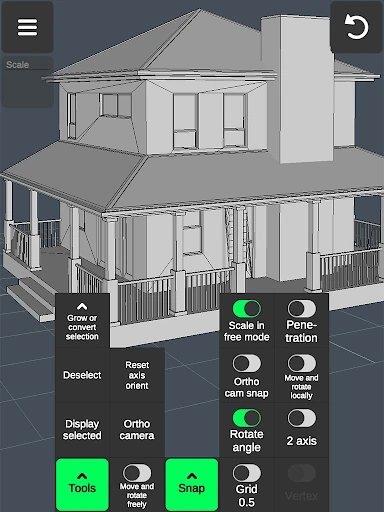
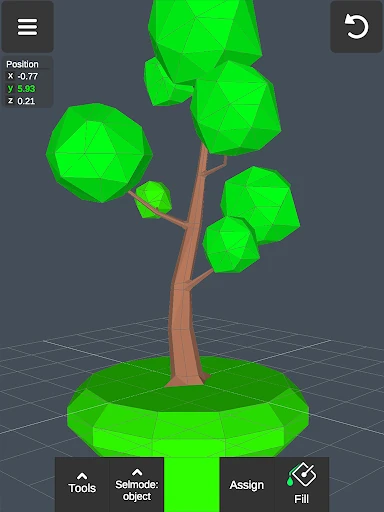
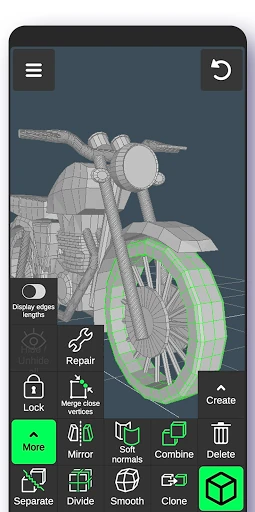
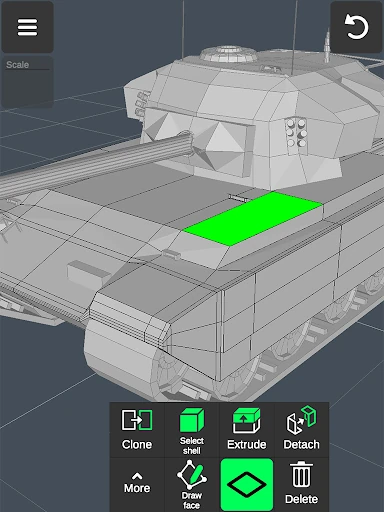
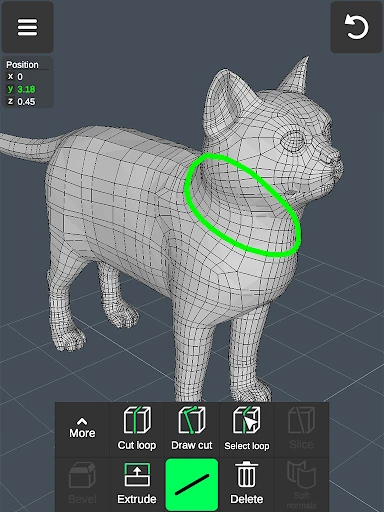
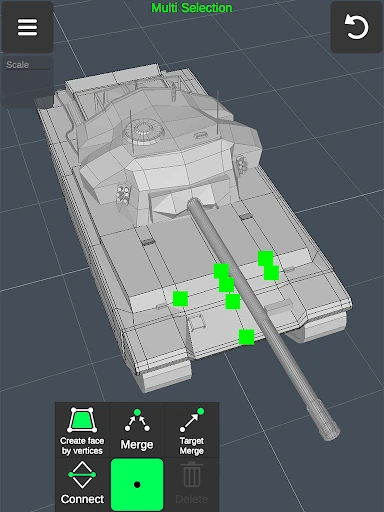
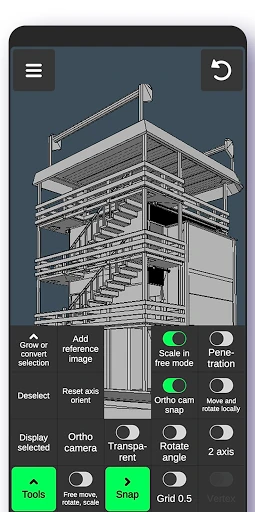
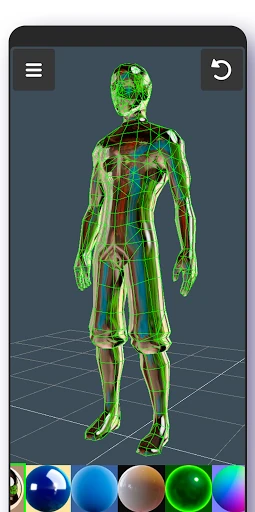
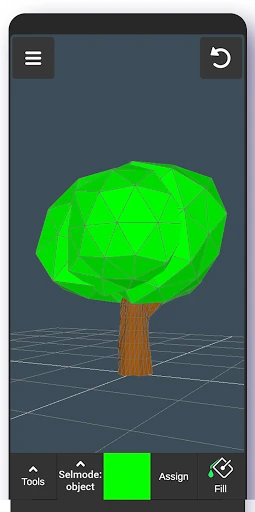
3D Modeling App: Sculpt & Draw is a mobile tool for creating 3D objects, characters, artwork, and game-related models. It suits learners, hobbyists, makers, and designers who want to work on a phone or tablet rather than a desktop workstation. The app supports touch gestures for moving and rotating models, changing object and camera scale, and switching between tools.
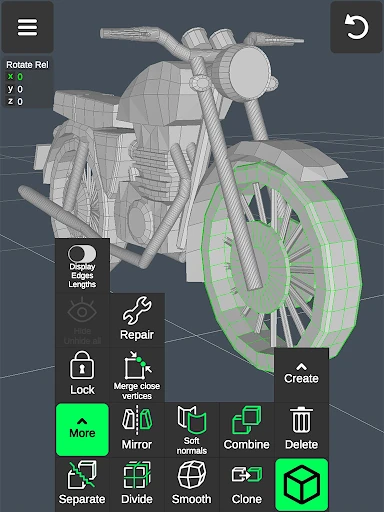
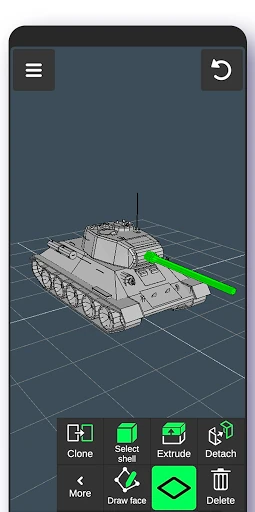
The app works directly with vertices, edges, faces, and complete objects. You can select parts by long-pressing or drawing a selection frame, then use tools to merge, connect, cut, extrude, delete, clone, mirror, smooth, divide, or separate geometry. Edge loops, face borders, shells, and surface normals are also part of the editing workflow, giving users more control than a simple 3D sketching canvas.
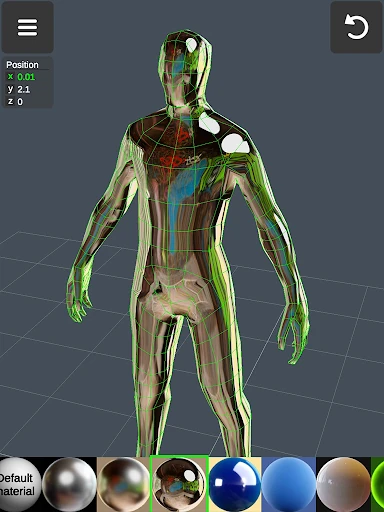
Sculpting tools include move, push, pull, and smooth actions for shaping surfaces. That makes the app relevant to character concepts, furniture and product ideas, woodworking plans, vehicle forms, and other visual studies. Stylus input is supported, but it is not required, so casual modeling can be done with touch controls alone.
Published by 3D Modeling Apps in the Art & Design category, the app has a 4.33/5 rating from 13,676 reviews and more than 10,000,000 installs. Those figures show broad adoption and a substantial body of user feedback, but they do not tell you whether its touch-based workflow matches your preferred way to model. If you need mobile geometry editing and sculpting in one app, its tool range is the main point to examine.